Add Human Approval to n8n AI Tools Before They Change Customer Data

By Vien Hong · October 2026
An AI assistant can give a sensible explanation and still choose the wrong record to update.
Imagine asking it to change a customer's contact email. It finds a matching name, prepares the new address and reports that everything is ready. But there are two people with that name in the database. The explanation sounds fine. The target is wrong.
The useful place to catch that mistake is before the update runs.
n8n supports human review in front of AI tool calls. A person can inspect the proposed action and decide whether it should proceed. The timing matters: reviewing an agent's final answer may be too late if a tool has already changed the data.
This walkthrough is based on published documentation. It describes a pattern to test, not results from a deployed workflow.
Choose the action that needs review
Consider a generic support assistant with separate tools to search customer records, update contact details and send an external message.
For a first implementation, put the contact-update tool behind approval. Decide separately whether the messaging tool needs its own review. Permission to change an email address should not silently become permission to send a message to it.
Read-only tools also deserve a closer look. A search that exposes sensitive information may need tighter controls than one that retrieves public documentation. Judge each tool by what it can access and what happens if it gets the request wrong.
n8n allows review for selected tools or all tools connected to an agent. That gives you room to put the checkpoint around a particular action. Human review documentation.
Keep that first tool narrow. A tool named Update customer contact email is easier to review than one named Manage customer, especially if the latter can perform several unrelated changes.
Put approval on the tool's execution path
The documented setup begins with the AI Agent's Tools connector. Open the panel, choose a channel under Human review, configure its credentials and settings, then connect the tools requiring approval to the review step. The approval channel can differ from the main conversation channel. Setup instructions.
After connecting it, inspect the whole tool list. One review step does not establish that every consequential action passes through it. Look for another connected tool that could make the same change without review.
Choose a destination someone actually monitors. Then decide who handles requests when that person is unavailable. A paused workflow still needs an owner, and the reviewer needs enough context to make a decision.
For this example, the reviewer should be able to verify that the request concerns the correct customer and that the proposed address matches the requested change.
Show the proposed change clearly
“The customer wants to update their details” is a poor approval message. It leaves the reviewer to trust the assistant's interpretation.
A useful request should identify the record, show the existing value when available and display the proposed value. Include enough context to distinguish similar records without exposing unrelated personal information.
n8n exposes $tool.name and $tool.parameters in review-message expressions. The latter includes proposed inputs supplied through $fromAI(). Review expressions.
For a basic inspection message:
Proposed tool: {{ $tool.name }}
Proposed inputs:
{{ JSON.stringify($tool.parameters, null, 2) }}
That makes the pending input visible. It only displays what those parameters contain, though. If the tool receives a record ID and a new address, this expression won't automatically retrieve the customer's name or current address. Arrange that context separately if the reviewer needs it.
During development, raw parameters are useful. For everyday review, a clearly labeled message may be easier to read. Check that its displayed values correspond to the pending call rather than an AI-generated paraphrase.

Treat approval as permission for one call
In the documented approval flow, approval executes the tool with the AI-specified inputs. Denial cancels that action and informs the AI of the rejection. Approval and denial behavior.
Design the decision around that specific call. If the wrong record is selected, deny it and resolve the mismatch before proposing another update. Do not assume a basic approve-or-deny prompt lets the reviewer edit the inputs inline. Editable review needs a separately configured flow.
Denial is also not a rollback. Anything the workflow did before reaching this checkpoint needs its own examination.
The agent's response should follow the outcome. If the update was denied, it should say the action was declined. After approval, it should inspect the tool's result before claiming success. Permission to attempt a change and confirmation that it succeeded are different facts.
n8n also recommends describing review requirements and denial handling in the agent's system prompt. Agent prompt guidance.
Test the uncomfortable cases
A successful approval is only one part of the workflow.
Use dummy records and an isolated test destination. Start with two records that share a similar name so a targeting mistake is possible. Then work through the following checks:
| Test | What to inspect |
|---|---|
| Approve a correct update | The intended record changed, with the expected value |
| Deny an update | The rejected tool call did not change the record |
| Propose the wrong target or value | The review message makes the discrepancy visible |
| Leave a request unanswered | The execution's actual wait, expiry or fallback behavior |
| Approve a call that later fails | The assistant reports the failure accurately |
Avoid assuming an unanswered request expires in a particular way. Observe the behavior of your configured channel and n8n version, then document what should happen operationally.
Also inspect the records after each test. An agent saying “updated successfully” is not enough evidence by itself.

n8n's Human Oversight learning template provides an exercise built around approving or declining an agent's proposed action. It can help you learn the mechanics, but your own tool inputs, permissions and failure paths still need testing.
Start with a decision someone can verify
Before expanding the workflow, write down what a reviewer must check. For this example: the correct customer, the correct field and the exact replacement value.
If the approval request doesn't make those facts clear, improve it before adding more tools. A person who has to reconstruct the request from several systems will struggle to review it consistently.
Start with one consequential action. Make the pending change understandable, verify that denial stops it and check the resulting record after approval. Once that path works, you'll have a concrete pattern to apply elsewhere.
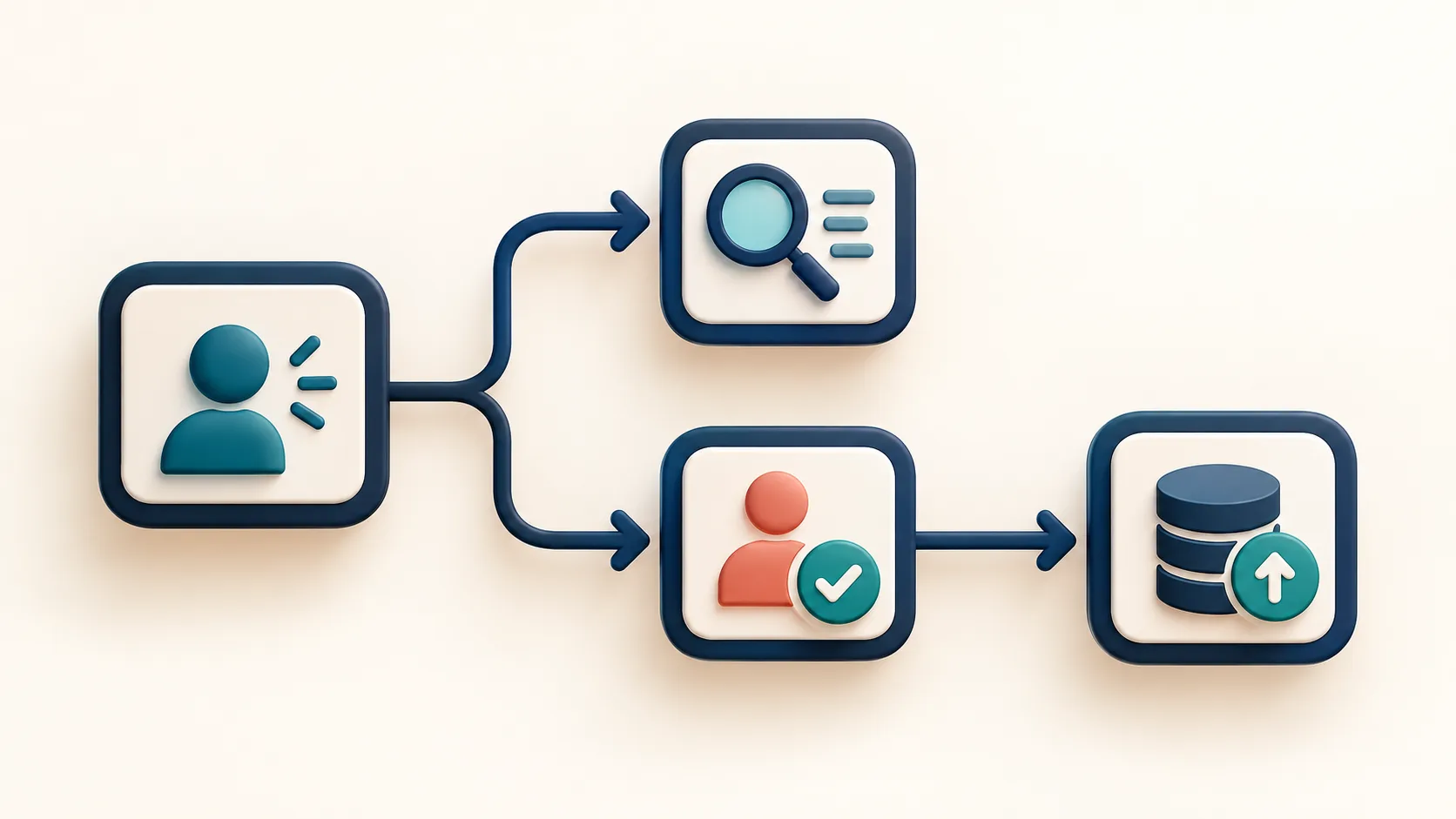
Images are AI-generated conceptual illustrations, not screenshots of n8n.