ArtCraft: A free Adobe alternative worth watching
By Vien Hong | October 2026
If you pay for Adobe Creative Cloud, you've probably wondered how much of your subscription you actually use. Maybe Photoshop handles most of your work. Maybe you open Premiere every week but haven't touched half the other apps in months.
That makes a free alternative appealing. Switching, though, means trusting another tool with files you've spent hours creating.
ArtCraft's Crafting Apps caught my attention because they cover several familiar creative workflows. The project includes open-source editors for photography, video, illustration, and publishing. It's an ambitious collection, but calling it an Adobe replacement needs some qualification.
What is ArtCraft?
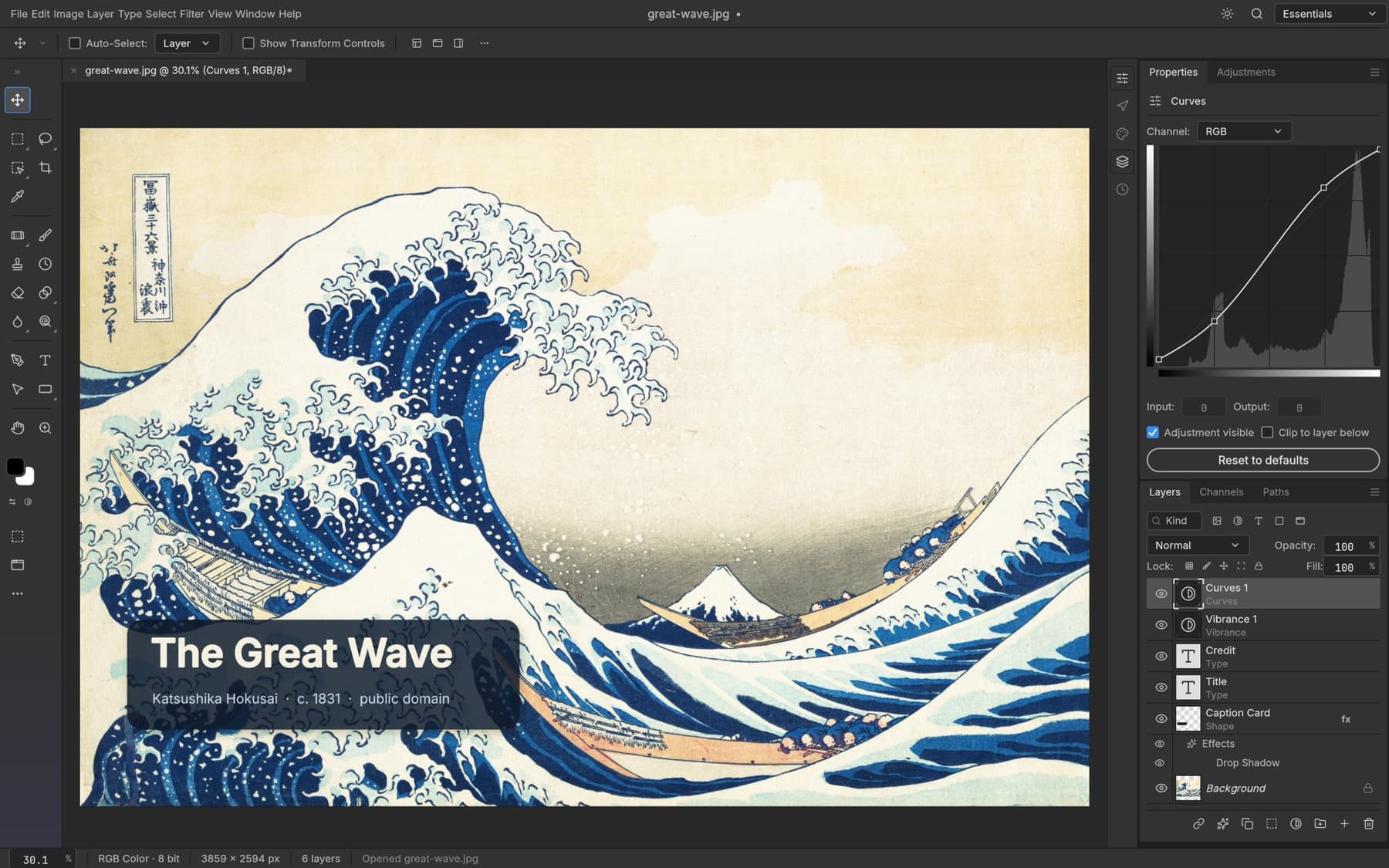
There are two related products to distinguish. ArtCraft is an AI image and video studio. Alongside it, the team develops standalone editors called Crafting Apps. This article focuses on those editors. ArtCraft's official website
Seven apps cover these Adobe-style workflows:
| Crafting App | Main purpose | Comparable Adobe tool |
|---|---|---|
| PhotoCraft | Image editing | Photoshop |
| VectorCraft | Vector illustration | Illustrator |
| FilmCraft | Video editing | Premiere Pro |
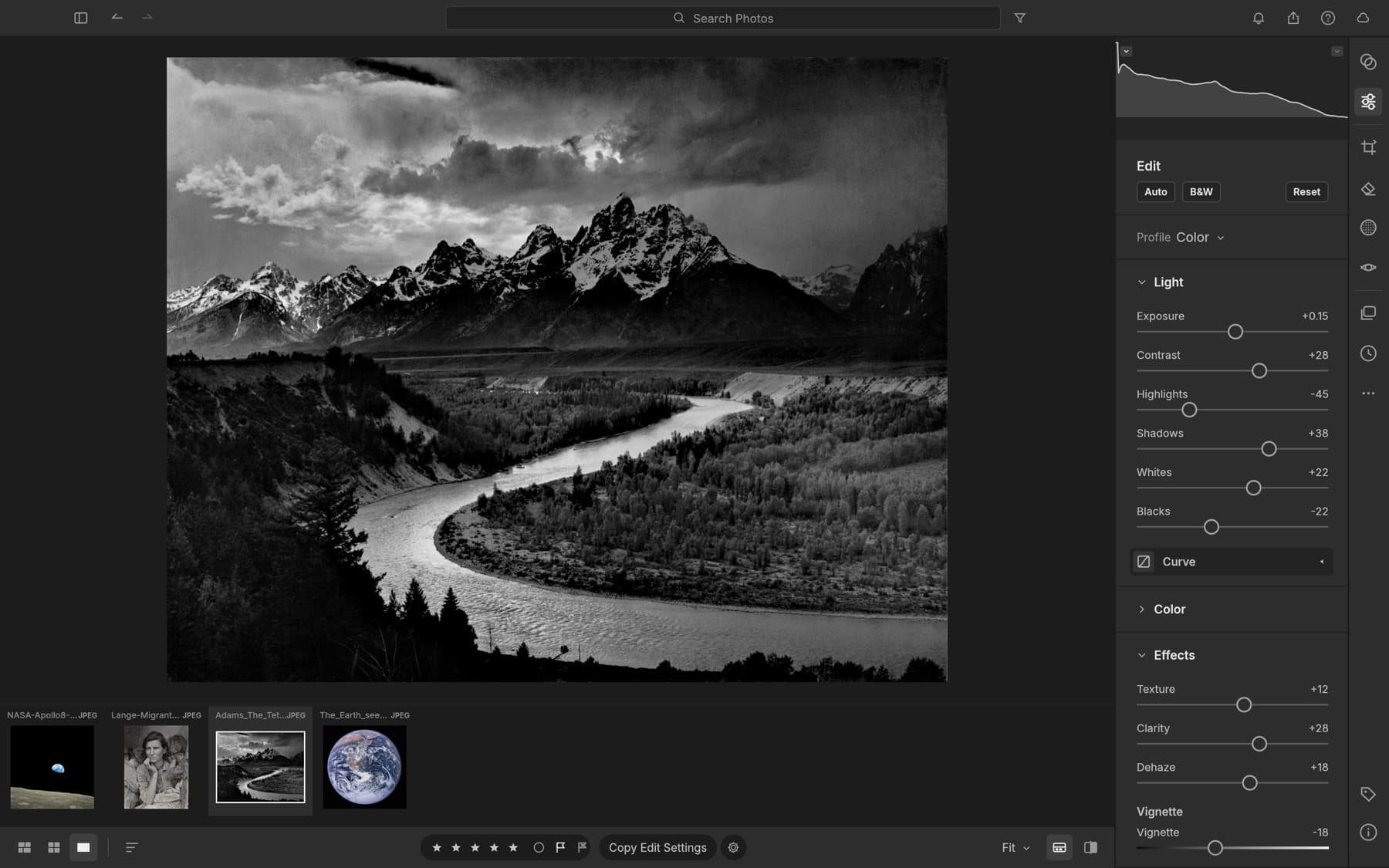
| LightCraft | Photo organization and raw development | Lightroom |
| EffectCraft | Motion graphics and visual effects | After Effects |
| DesignCraft | Page layout and publishing | InDesign |
| PdfCraft | PDF tools | Acrobat |
The comparison describes what each app aims to do. It doesn't mean the features, compatibility, or reliability match Adobe's products. The official site lists these editors alongside additional apps for other kinds of work. Craft Apps directory
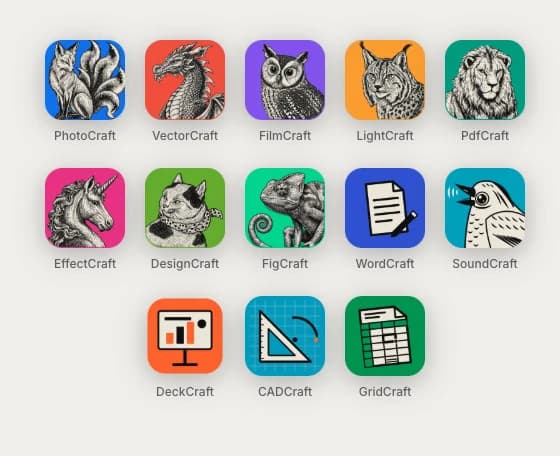
The repositories describe the Crafting Apps as free, open-source tools written in Rust. LightCraft, for example, documents native support for macOS, Windows, and Linux, plus a browser version through WebAssembly. Availability should still be checked for the specific app and release you want to use. LightCraft repository
Familiarity could make trying them easier
Learning another editor takes time. Even a useful tool can feel awkward when your usual shortcut does something different or the panel you need has moved.
FilmCraft's documentation describes panels, workspaces, and shortcuts modeled around familiar Premiere workflows. That gives experienced users a recognizable starting point. It also documents its own editing and rendering engine underneath that interface. FilmCraft repository
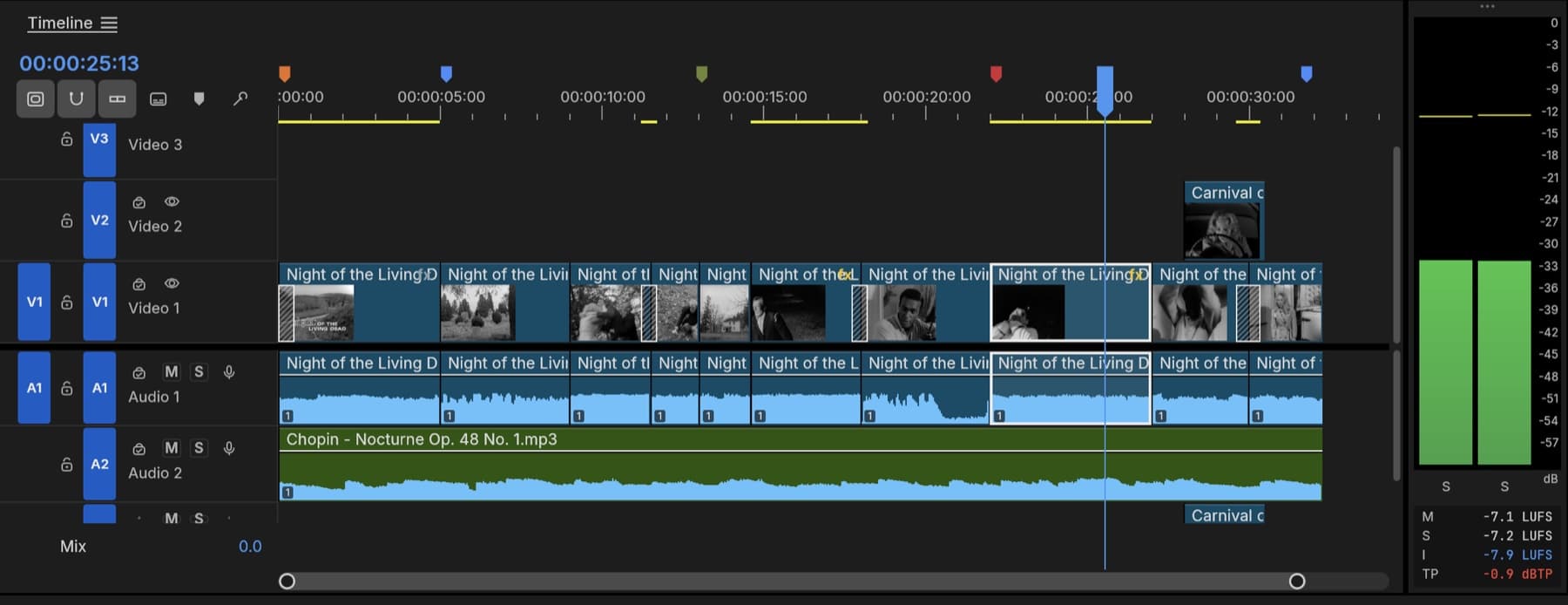
I can see the appeal. If you're curious about another video editor, starting with controls you recognize makes experimenting less of a chore.
But a familiar interface only gets you so far. You still need to know whether playback stays smooth on your footage, whether an effect behaves as expected, and whether the exported video looks right.
PhotoCraft's file support deserves a closer look
PhotoCraft documents support for layered PSD files, including layers, masks, adjustment layers, and text. Its maintainers report that opening and re-saving preserves the rendered appearance of 307 out of 309 files in the psd-tools test set. That's their published benchmark, rather than an independent test I've performed. PhotoCraft documentation
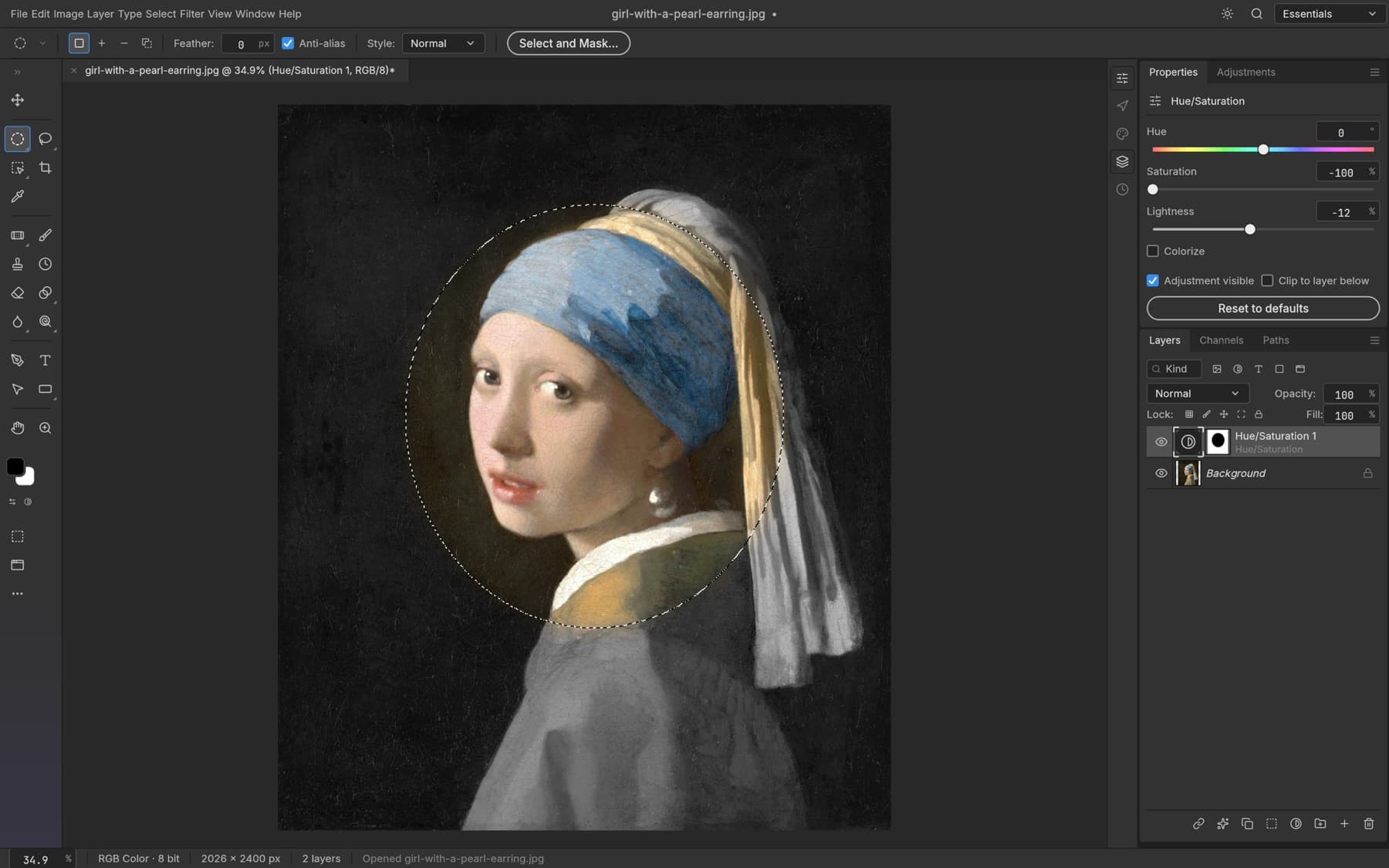
For anyone with an existing library of Photoshop documents, compatibility matters. Rebuilding old work from flattened images would make a free editor expensive in another way.
Still, a benchmark can't answer every question about your files. A document with particular fonts, effects, or plug-in dependencies may behave differently. I'd want to check a few representative projects before relying on it.
The automation features interest me most
As someone who builds AI software for small businesses, I'm interested in how these editors can fit into repeatable workflows.
PhotoCraft documents a shared command engine accessible through its interface, command line, JSON control channel, and MCP server. MCP gives compatible AI tools a way to interact with the editor through defined commands. PhotoCraft's automation documentation
Consider a salon promotion that needs versions for several locations. The approved design stays mostly the same, while the address, offer, and image dimensions change. An editor with scriptable commands could help produce those variations without repeating every step manually.
That's a potential use case, not a workflow I've tested in PhotoCraft. Before using it for business content, I'd check that the layout survives each change and that every export gets reviewed.
The attraction is having access to the editing process itself, rather than trying to automate it through mouse clicks.
Would I move client work into it?
I'd start with an old project, not the job due tomorrow.
PhotoCraft's maintainers explicitly describe it as early alpha and say it isn't yet a Photoshop replacement for daily professional work. They identify gaps in areas including typography, professional workflows, and plug-in compatibility. PhotoCraft's status statement
That is a useful boundary. You can be interested in the project without expecting it to handle your entire workload.
For students and hobbyists, a small experimental project is a reasonable starting point. Freelancers should try copies of files that resemble their paid work. Studios will need to examine shared workflows and compatibility as well as individual editing features.
I'd also evaluate each app separately. A photo editor meeting your needs says little about whether the video editor will handle your footage.
What AI-assisted development proves, and what it doesn't
The creator has publicly described using language models to help build these applications. That makes ArtCraft an interesting example of AI-assisted development, although it doesn't establish how much work AI completed or how much time it saved. Creator's project announcement
What interests me is the work that follows: fixing bugs, handling unusual files, and keeping existing projects working as the software changes.
Creative tools earn trust through repeated use. People need to reopen yesterday's project, make a revision, and deliver it without discovering that something changed along the way.
ArtCraft has given me reasons to follow its progress. Before moving client work, though, I'd use one practical test: open a copy of a real project, make a normal edit, save it, reopen it, and inspect the final export.
If that goes well, try another. That's how I'd decide whether it belongs in my workflow.